
Are your hard-earned pages slipping under Google’s radar? Crawl errors and indexing issues in Search Console could be quietly holding back your traffic and rankings, without you even realizing it.
Here’s what most site owners overlook: Google can only rank what it can successfully crawl and index. Broken links, server timeouts, or blocked resources don’t just get ignored, they signal to Google that your site isn’t properly maintained. Over time, this can reduce crawl frequency, limit visibility, and erode the authority of your pages.
The good news: nearly all crawl issues are fixable. Google Search Console gives you the insights you need to pinpoint and resolve errors. In this guide, you’ll learn why crawl errors matter, the most common issues in the Index Coverage report, and step-by-step fixes for 404 errors and other indexing problems that can silently hurt your SEO.
What Are Crawl Errors and Why Do They Matter for SEO?
A crawl error happens whenever Googlebot tries to access a URL on your site and fails. That failure could come from a missing page, a server that times out, a redirect loop, or a robots.txt file blocking access it shouldn’t.
Crawl errors matter because Google’s crawl budget, the number of pages it’s willing to crawl on your site within a given timeframe, isn’t unlimited. Every failed request wastes part of that budget. If Googlebot spends its visit hitting dead ends, it has less time and less incentive to discover and index your genuinely valuable pages.
This is where crawlability SEO becomes a foundational concept rather than a technical afterthought. A site that’s easy to crawl gets indexed faster, gets re-crawled more often after updates, and gives Google a cleaner, more complete picture of what you offer. A site full of errors sends the opposite signal, and that signal can quietly suppress your visibility even when your content itself is strong.
Common Google Search Console Errors You Should Know
Search Console’s Index Coverage and Pages reports surface a handful of recurring issues. Here’s what they mean and why they show up.
| Error Type | What It Means | Common Cause |
| Not Found (404) | The page doesn’t exist at that URL | Deleted content, broken internal links |
| Server Error (5xx) | The server failed to respond | Hosting issues, plugin conflicts, overload |
| Redirect Error | A redirect chain or loop confuses crawlers | Multiple redirects stacked on one URL |
| Blocked by robots.txt | Crawling is disallowed for that URL | Misconfigured robots.txt rules |
| Submitted URL marked no index | The page is excluded from indexing | A no index tag left on a page you want ranked |
| Crawled, currently not indexed | Google crawled it but chose not to index it | Thin, duplicate, or low-value content |
Reviewing this report regularly, rather than only after a ranking drop, is what separates sites that stay healthy from sites that quietly bleed visibility over months.
How Index Coverage Issues Affect Your Rankings
Index coverage issues occur when there’s a gap between the pages you want indexed and the pages Google actually indexes. Any URL in an Error or Excluded state has zero chance of ranking, no matter how strong the content is.
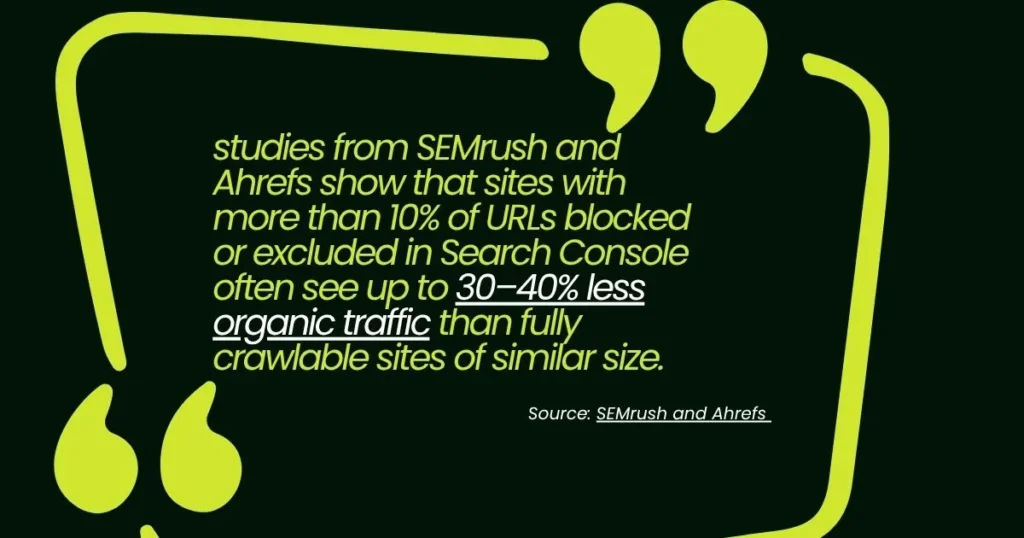
For example, studies from SEMrush and Ahrefs show that sites with more than 10% of URLs blocked or excluded in Search Console often see up to 30–40% less organic traffic than fully crawlable sites of similar size. On larger websites, just a few broken internal links can cascade, causing dozens of pages to lose crawl priority, which shrinks your visible footprint in search results even as you continue publishing new content.
The fix begins with visibility. Use the Index Coverage report in Search Console to review each URL’s status: Valid, Valid with Warnings, Error, or Excluded. Prioritize Error and Excluded URLs first to address issues that are actively holding back rankings.
Why Crawlability Matters More Than You Think
Crawlability SEO isn’t just about avoiding errors. It’s about making it as easy as possible for Google to move through your site, understand its structure, and prioritize your best pages.
A few structural habits that support strong crawlability:
● Keep your internal linking logical, so every important page is reachable within a few clicks from your homepage.
● Maintain a clean, up-to-date XML sitemap that only includes indexable, canonical URLs.
● Avoid orphaned pages, meaning pages with no internal links pointing to them at all.
● Use robots.txt deliberately, blocking only what genuinely shouldn’t be crawled, like admin areas or duplicate parameter URLs.
When crawlability is strong, Google spends its limited crawl budget on pages that matter instead of chasing dead ends, and that efficiency shows up in how quickly new or updated content gets indexed.
Step-by-Step: How to Fix 404 Errors in Search Console
Knowing how to fix 404 errors SEO teams commonly encounter starts with finding them, then deciding the right resolution for each one.
Step 1:
Locate your 404s. Open Search Console, go to Pages under Indexing, and look for “Not found (404)” in the list of reasons pages aren’t indexed. Click through to see the full list of affected URLs.
Step 2:
Check where the traffic was coming from. For each URL, check whether it has backlinks or internal links pointing to it. A 404 with strong backlinks is worth fixing properly rather than ignoring.
Step 3:
Choose the right fix. If the content moved, set up a 301 redirect to the new URL. If the content still exists under a different link, correct the internal links pointing to the old one. If the page is genuinely gone and irrelevant, a clean 404 is acceptable, but redirecting it to a closely related page is usually the stronger SEO move.
Step 4:
Update your internal links. Don’t just redirect and walk away. Go back and fix any internal links still pointing to the old URL so visitors and crawlers reach the right page directly.
Step 5:
Request re-crawling. Once fixed, use the URL Inspection tool in Search Console to request indexing on the corrected page, speeding up how quickly Google recognizes the change.
How to Monitor Crawl Errors and Prevent Future Issues
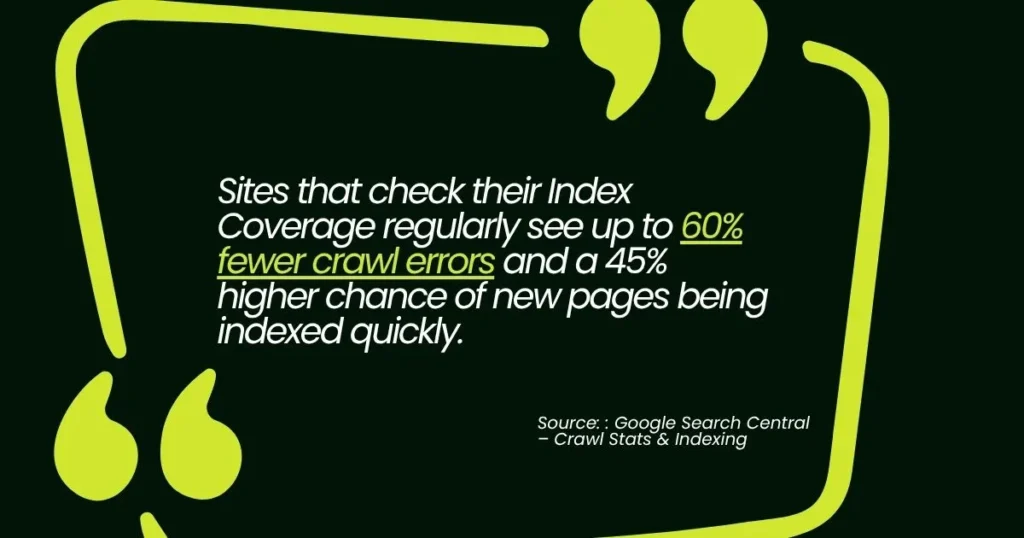
Fixing crawl errors is only part of the solution. Continuous monitoring keeps issues from returning and maintains rankings. Sites that check their Index Coverage regularly see up to 60% fewer crawl errors and a 45% higher chance of new pages being indexed quickly.
- Check Index Coverage monthly – Sites that review their Index Coverage report monthly recover from indexing issues up to 70% faster than those who check quarterly.
- Set up email alerts – Alerts allow fixes within 24 hours, helping prevent small crawl issues from causing traffic drops.
- Keep your XML sitemap current – Regular sitemap updates reduce 404 and soft 404 errors by 35–40%, ensuring pages are properly indexed.
- Test new pages – Using the URL Inspection tool to verify redirects and internal links helps prevent errors before they affect rankings.
Fix Your Crawl Errors Before They Cost You More Rankings
Crawl errors don’t announce themselves. They sit quietly in your Search Console reports, chipping away at your visibility while you focus on content and outreach. But now you know where to look and how to act.
If you’d rather have an expert handle the technical audit, fix the errors, and set up ongoing monitoring so this never becomes a recurring problem, Sam SEO Philippines is ready to help. Our team specializes in technical SEO audits, crawl error resolution, and full Search Console health checks that keep your site indexed, crawlable, and ranking. Contact us today and let’s get every page on your site working the way it should.
FAQs About Crawl Errors and Search Console
How often should I check Google Search Console for crawl errors?
Check your Index Coverage and Pages reports at least once a month, and always after a site migration, redesign, or major content update. If you’d rather not monitor this manually, our team can set up automated alerts and handle monthly reporting for you.
Can crawl errors actually hurt my rankings, or just prevent new pages from being indexed?
Both. Persistent errors waste crawl budget, slow down indexing of new content, and can signal poor site health to Google over time, which affects how confidently your existing pages rank. Left unresolved, they compound.
What’s the fastest way to clean up 404 errors on a large site?
Prioritize by traffic and backlinks first. Fix the 404s with existing inbound links or historical traffic before tackling low-value pages. Need a hand auditing hundreds of URLs quickly? Reach out and we’ll handle the full triage and fix for you.
Do I need a developer to fix Index Coverage report errors?
Not always. Many fixes, like correcting internal links, updating your sitemap, or removing a noindex tag, can be done without touching code. More complex issues, like server errors or migration cleanup, often benefit from expert hands, which is exactly where our team comes in.
How long does it take for Google to re-crawl a page after I fix an error?
It varies, but requesting indexing through the URL Inspection tool typically speeds things up to anywhere from a few hours to a few days. Want a faster, guaranteed turnaround on your full site? Let’s talk about a technical SEO audit.