
Pages never rank due to small on-page issues that go unnoticed. Broken links, missing tags, and duplicate content quietly pull your site down, often without you realizing it until rankings drop. Even strong content struggles when technical gaps block its performance.
Learning how to use Screaming Frog for SEO helps you identify issues quickly so you can fix them and move up in search. You’ll also uncover common on-page issues that can affect your rankings. In fact, 68% of online experiences start with a search engine, and on-page factors like site speed and crawlability can make or break your performance.
So, what might your site be missing right now that’s holding your rankings back?
What Is Screaming Frog
Screaming Frog is a powerful SEO tool that crawls websites to identify and resolve technical SEO issues. It helps find broken links, missing meta tags, duplicate content, and poor site structure, boosting search engine visibility.
Key features include on-page SEO analysis of page titles, meta descriptions, and H1 tags, as well as XML sitemap generation. Screaming Frog’s intuitive interface and data scraping capabilities (via XPath or regex) make it a must-have for SEOs and marketers. With a free version for small sites, knowing what Screaming Frog SEO is essential for improving website health, user experience, and overall search performance.
7 Steps: How to Use Screaming Frog to Improve On-Page SEO
Once the crawl reaches 100%, you’ll gain valuable insights. The next steps show how to use Screaming Frog for SEO to identify key areas for improvement and strengthen your site’s on-page optimization. If you’re learning how to use Screaming Frog to improve on-page seo, this is where the real value begins. We’ll focus on the most significant on-page SEO opportunities.
1. Finding and Fixing Page Title Issues
Page titles matter for SEO and user engagement. They help Google understand the content of your page and are the first thing users see in search results and in the browser tab. A strong, well-crafted title can improve your click-through rate and overall ranking. Understanding how to use Screaming Frog for SEO allows you to quickly spot missing, duplicate, or poorly optimized titles across your entire site.
In Screaming Frog, go to the “Page Titles” tab to identify issues like:
- Missing Titles: Google can’t determine your page’s topic.
- Duplicate Titles: Confuse search engines and users.
- Too Long: Titles get cut off in search results.
- Too Short: Misses keyword opportunities.
Fixing these is simple but necessary. Edit titles to be unique, descriptive, and keyword-rich. Aim for 50-60 characters to ensure full visibility in search results. Create titles that draw users in: clear, concise, and compelling.
2. Optimizing Your Meta Descriptions
Meta descriptions don’t directly impact rankings, but they heavily influence whether someone clicks on your link in the search results. Meta descriptions act like free advertising copy that encourages users to tap through to your site.
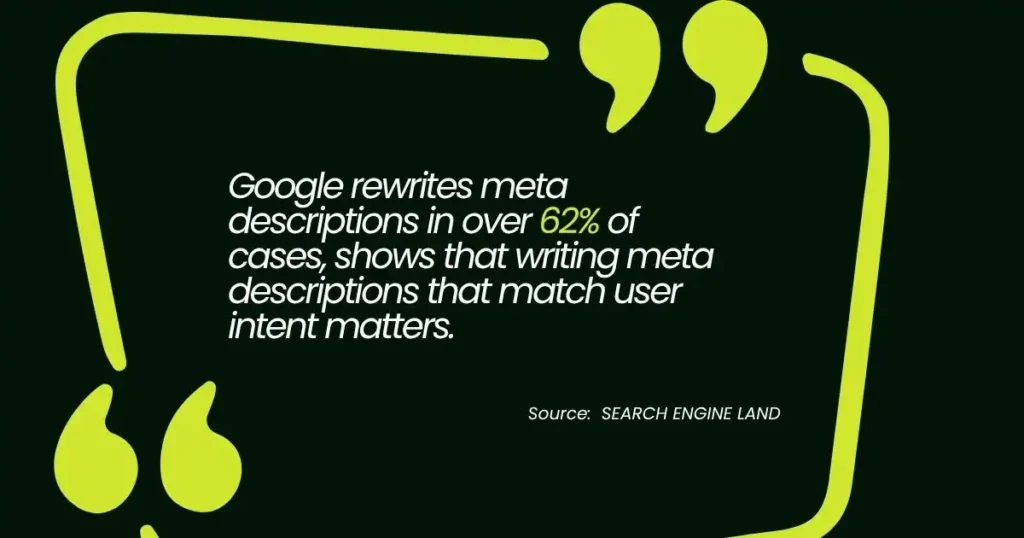
According to research, Google rewrites meta descriptions in over 62% of cases, which shows that writing meta descriptions that match user intent matters. In Screaming Frog, go to the “Meta Description” tab. It works similarly to the page titles tab. You can filter for missing, duplicate, too-long (over 960 pixels), or too-short descriptions.
Your goal is to create a relevant and engaging description for each key page. Think about what someone searching wants to know and answer that with your text. A well‑written meta description increases the chances that users click and explore your content.
3. Auditing Your Heading Tags (H1s and H2s)
Headings provide structure to your content, making it easier for both users and search engines to navigate the information on a page. A clear hierarchy signals content quality and helps establish relevance. The most important heading is the H1.
In Screaming Frog, use the H1 and H2 tabs to find issues. Start with the H1 tab, then filter for “Missing” H1s or pages with “Multiple” H1s. Each page should have only one H1 tag, reflecting the page title and main topic. H2s serve as subheadings that enhance readability and clarify the page’s relevance to specific keywords or topics.
Example:
For a blog post about “The Benefits of Yoga,” the H1 could be:
“The Benefits of Yoga: Why It’s Good for Your Health”
Then, H2s could include:
- “Improves Flexibility and Strength”
- “Reduces Stress and Anxiety”
- “Boosts Mental Clarity”
Using this method ensures content is well-organized and easy for both users and search engines to understand.
4. Uncovering Broken Links (404s)
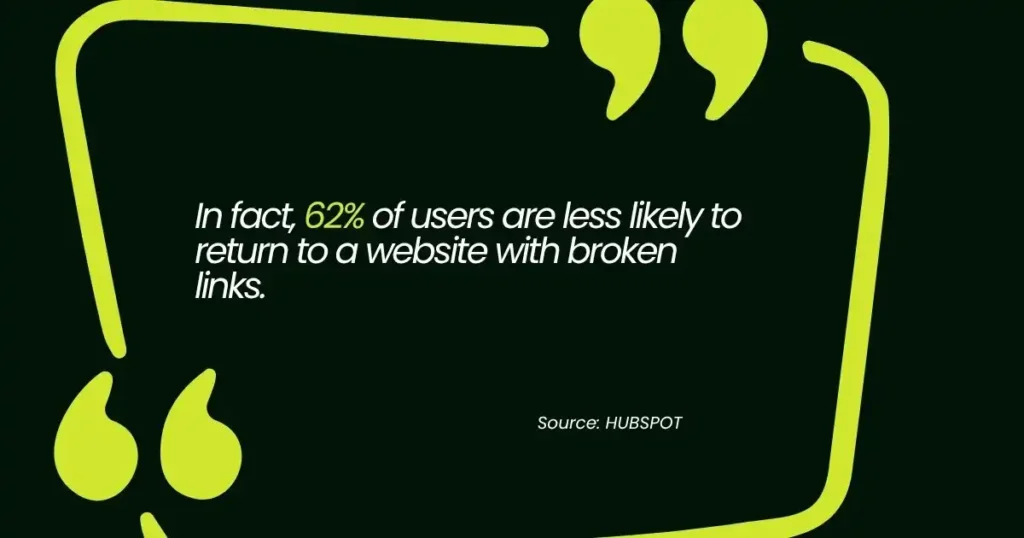
Broken links can seriously affect user trust and site performance. In fact, 62% of users are less likely to return to a website with broken links. Clicking links that lead nowhere creates a poor user experience. Search engines may penalize sites with broken links, as they suggest the site is poorly maintained, which can affect SEO performance.
To find broken links, go to the “Response Codes” tab in Screaming Frog and use the filter to show only “Client Error (4xx)” codes. It will display all the broken internal and external links on your website. Fixing broken links is a fundamental part of technical SEO.
For example, if you have a broken internal link from a blog post to a product page, click on the 404 URL in the top window. Then, check the “Inlinks” tab in the bottom window to see every page that links to that broken URL. Fixing those internal links ensures users can navigate smoothly through your site, which also improves SEO.
Maintaining clean link structures helps both the user experience and search engine rankings. Fixing broken links is a good practice for optimizing your site.
5. Checking for Missing Image Alt Text
Alt text describes images for accessibility and SEO. It helps screen readers assist visually impaired users and enables Google to understand image content, improving rankings in image search results.
In Screaming Frog, go to the “Images” tab and filter for “Missing Alt Text.” The filter will display images that need attention. Add detailed alt text, avoid labels like “image123.jpg,” and instead use descriptions such as “brown leather sofa in a modern living room.”
To give you a better idea, here’s an example of how alt text should be improved for a few images:
| Image Filename | Current Alt Text | Recommended Alt Text |
| image123.jpg | None | Brown leather sofa in a modern living room |
| kitchen-01.jpg | None | Bright kitchen with stainless steel appliances |
| beach-sunset.jpg | None | Sunset over a beach with calm waves |
Adding detailed alt text enhances both accessibility and SEO, making images more discoverable and improving user experience. Ensure all images are optimized for search engines and users.
6. Analyzing Your Internal Linking Structure
Internal links enhance SEO and user experience. They connect content across your site, helping users navigate easily while spreading authority. A well-structured internal linking system encourages engagement and boosts rankings.
In Screaming Frog, the “Internal” tab provides key insights. The “Crawl Depth” column shows how many clicks it takes to reach a page from your homepage, which is important for site structure. Pages with low crawl depth are easier to access, meaning important content should be reachable with as few clicks as possible.
The “Inlinks” column reveals how many pages link to a specific page, highlighting areas where additional internal links are needed. Visualizing site structure with a tree graph allows you to quickly identify and fix structural issues, ensuring a well-organized site that both users and search engines can navigate efficiently.
7. Identifying Thin or Duplicate Content
Google aims to deliver high-quality, helpful content to users. Thin content refers to pages with a low word count that provide minimal value, while duplicate content occurs when the same or similar text appears across multiple URLs.
To find thin content, sort the “Word Count” column in the “Internal” tab from low to high. Pages with very few words may need improvement, consolidation, or removal.
For example, a product description page with only 50 words may be considered thin content and could benefit from more detailed information. For duplicate content, go to the “Content” tab and filter for “Exact Duplicates.”
Screaming Frog uses a hash value to identify identical pages, showing you groups of duplicates. For instance, if two pages with nearly identical product descriptions exist, you can address them with redirects or canonical tags to avoid SEO issues.
Unlock SEO Potential With Screaming Frog Insights
Knowing how to use Screaming Frog for SEO gives you a clear advantage — it’s a powerful tool that surfaces issues like broken links and missing meta descriptions before they hurt your rankings. It optimizes your website for both users and search engines, helping boost rankings and user experience. Use Screaming Frog to tackle technical SEO challenges and enhance your site’s performance and visibility.
Unlock your website’s full SEO potential with Sam SEO Philippines. We specialize in using tools like alt text Screaming Frog to tackle technical SEO issues, boost rankings, and enhance user experience. Don’t let your site’s performance lag. Contact us today to start optimizing and driving more traffic. Let us help you achieve better visibility and higher conversions!
FAQs About Screaming Frog
How do I interpret the crawl data from Screaming Frog?
After the crawl, Screaming Frog presents data across various tabs, categorizing issues such as broken links, missing meta descriptions, and page titles. Understanding this data involves identifying priority issues that directly affect SEO performance, such as missing titles or broken links. From there, prioritize fixes based on impact, starting with issues that could prevent search engines from properly indexing or ranking your site.
What is the best Screaming Frog pricing plan for my business?
Screaming Frog offers both a free and a paid version. The free version is ideal for smaller websites, allowing up to 500 pages to be crawled. For larger websites or more advanced features, the paid version, which costs £149 per year, offers unlimited crawls, additional analysis capabilities, and features like scheduled crawls and custom extraction.
How does Screaming Frog differ from Ahrefs or SEMrush?
Screaming Frog is a desktop tool focused on on-page SEO, analyzing site structure, broken links, and metadata. Ahrefs and SEMrush are web-based tools that offer more comprehensive SEO features, including backlink analysis, keyword research, and competitive insights. While Screaming Frog is great for site audits, Ahrefs and SEMrush provide broader SEO strategies.
Can Screaming Frog help with off-page SEO?
Screaming Frog is primarily designed to improve on-page SEO, focusing on factors like site structure, broken links, and metadata. However, it can indirectly aid off-page SEO by ensuring your site is technically sound, thereby improving overall visibility and rankings. To analyze backlinks or off-site factors, other tools like Ahrefs or SEMrush would be more suitable.